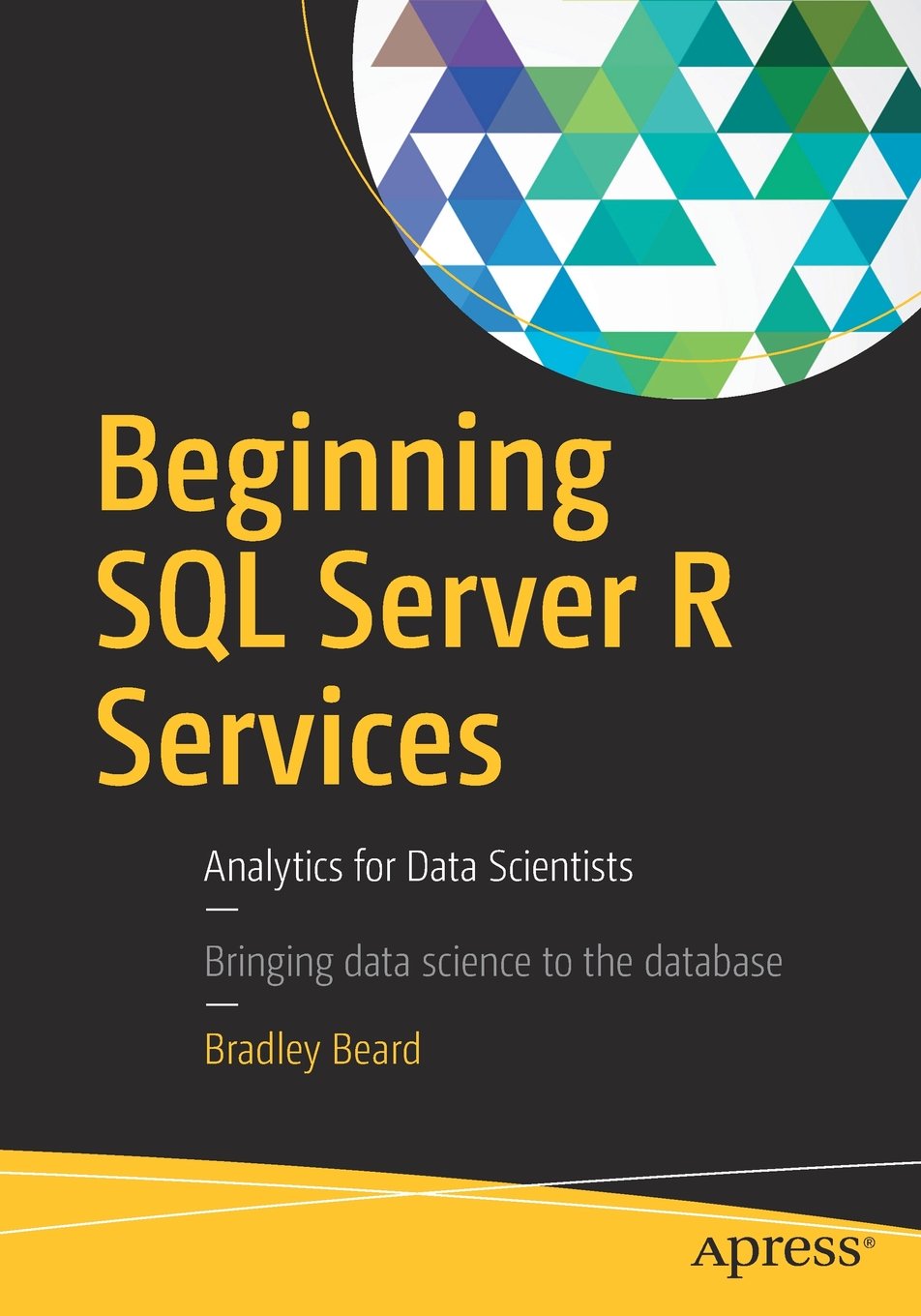
Beginning SQL Server R Services
Analytics for Data Scientists
Authors: Bradley Beard
 Covers brand new support in SQL Server for the R language
Appeals to data scientists and quantitative analysts who rely upon R for analyzing data and driving business decisions
Provides examples in SQL Server R Services, and in R Tools for Visual Studio
Covers brand new support in SQL Server for the R language
Appeals to data scientists and quantitative analysts who rely upon R for analyzing data and driving business decisions
Provides examples in SQL Server R Services, and in R Tools for Visual Studio
Learn how to develop powerful data analytics applications quickly for SQL Server database administrators and developers. Organizations will be able to sift data and derive the business intelligence needed to drive business decisions and profit. The addition of R to SQL Server 2016 places a powerful analytical processor into an environment most developers are already comfortable with – Visual Studio. This book walks even the newest of users through the creation process of a powerful R-language tool set for use in analyzing and reporting on your data.
As a SQL Server database administrator or developer, it is sometimes difficult to stay on the bleeding edge of technology. Microsoft’s addition of R to SQL Server 2016 is sure to be a game-changer, and the language will certainly become an integral part of future releases. R is in fact widely used today in statistical and related applications, and its use is only growing. Beginning SQL Server R Serviceshelps you jump on board this important trend by providing good examples with detailed explanations of the WHY and not just the HOW.
• Walks you through setup and installation of SQL Server R Services.
• Explains the basics of working with R Tools for Visual Studio.
• Provides a road map to successfully creating custom R code.
What You Will Learn
• Discover R’s role in the SQL Server 2016 hierarchy.
• Manage the components needed to run SQL Server R Services code.
• Run R-language analytics and queries inside the database.
• Create analytic solutions that run across multiple datasets.
• Gain in-depth knowledge of the R language itself.
• Implement custom SQL Server R Services solutions.
Table of contents
Front Matter
Setup and Installation
• Front Matter
• Setup and Installation of SQL Server 2016
• Setup and Installation of R Tools for Visual Studio
• Project Scenario Definition
Learning the Basics
• Front Matter
• Building R Models with RTVS
• Plotting in RTVS
Creating and Viewing Reports
• Front Matter
• Configuring SQL Server Reporting Services
• Report Builder Installation and Data Preparation
• Building Reports Using Report Builder
• Viewing the Reports in Report Server
Appendices
• Front Matter
• Installing a SQL Server 2016 Instance in a SQL Server 2014 Installation
• Software Requirements Document
• R Plot and Tabular Code for R Tools for Visual Studio
Back Matter
 下载地址:
下载地址:




 扫码加好友,拉您进群
 全部版块
全部版块 我的主页
我的主页


 收藏
收藏