R工具包开发教学课程:2020-特-002 课
/*
* Copyright (C) 2020 Danielu tulips liu.
*
* This is free software: you can redistribute it and/or modify
* it under the terms of the GNU General Public License as published by
* the Free Software Foundation, either version 3 of the License, or
* (at your option) any later version.
*
* It is distributed in the hope that it will be useful,
* but WITHOUT ANY WARRANTY; without even the implied warranty of
* MERCHANTABILITY or FITNESS FOR A PARTICULAR PURPOSE. See the
* GNU General Public License for more details.
*
* For a copy of the GNU General Public License,
* see <
http://www.gnu.org/licenses/>.
*/
- Rtudio 最新版本以及最新的Rtool40 编译器安装


其实,我本来买了耳麦想录制视屏的,但是我在的地方实在是在施工无法录制视频。
要点:
第一, Rtools40 编译器一般安装的时候默认路径,编译器安装不论是R还是MATLAB的 MinGw gcc 编译器都是不允许有空格的;
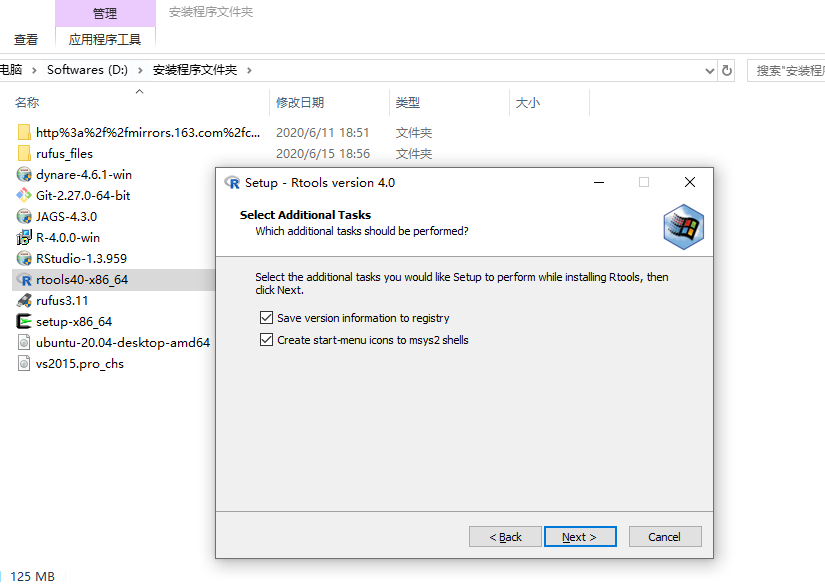
第二,编译器老版本比如以前的 Rtools35 以及更老版本安装的时候有一个在安装过程中没有勾选{环境变量},打钩勾选环境变量,Rtools40 的环境变量需要命令输入,后面我写上。但是在安装过程中有一个 add rigrestry ,不太记得。这个应该是添加注册表信息的意思,记得勾选,否则会出错。
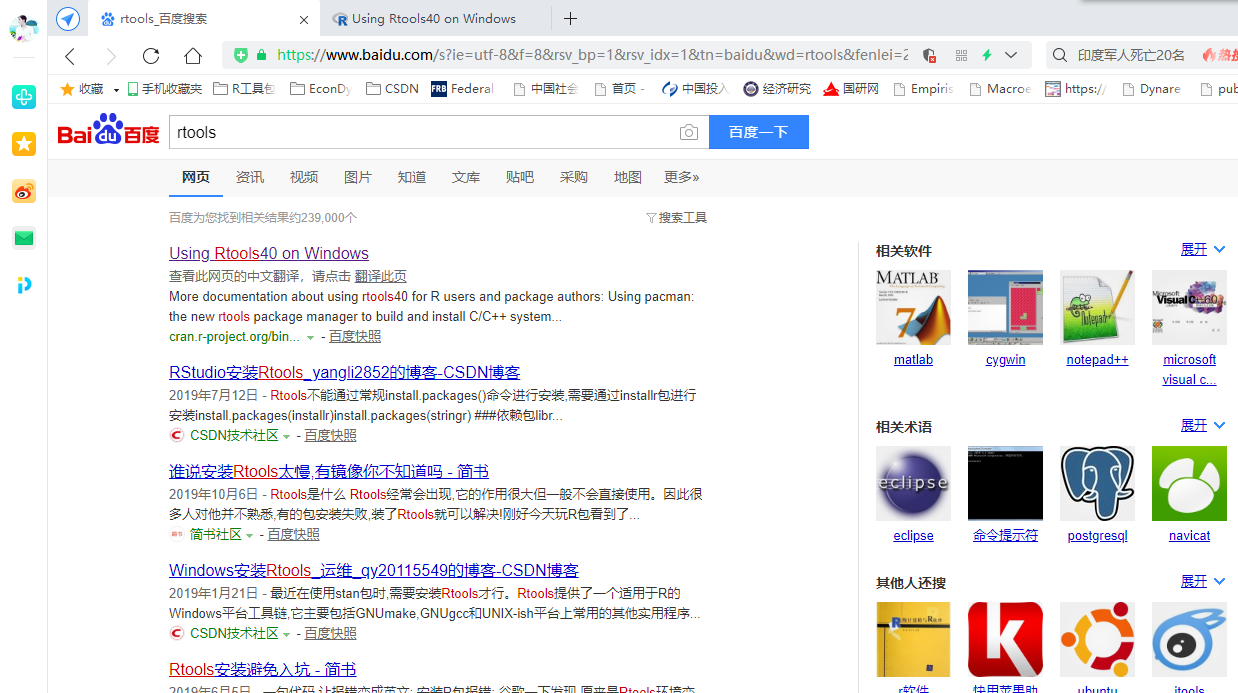
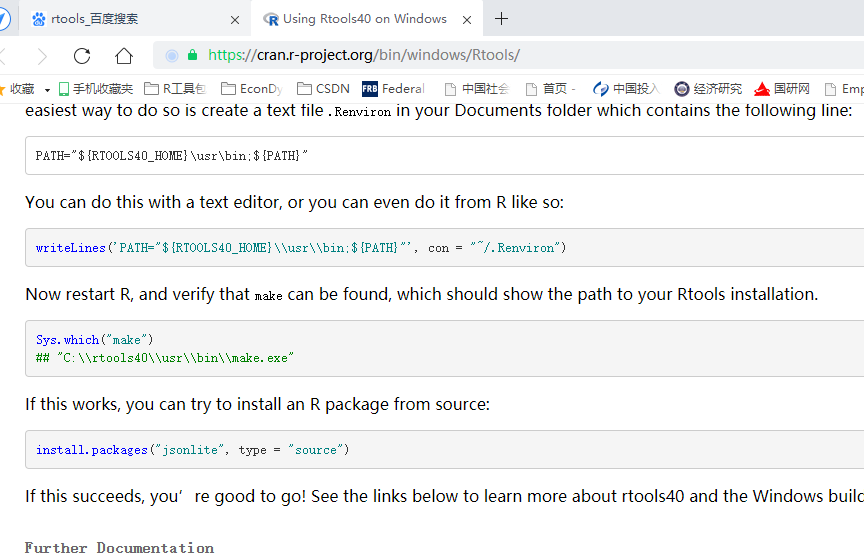
下面给出Rools40 的网站地址和命令语句。其实第一张图我已经给出直接百度Rtools 就打开链接了。自己下载,用迅雷比较快。
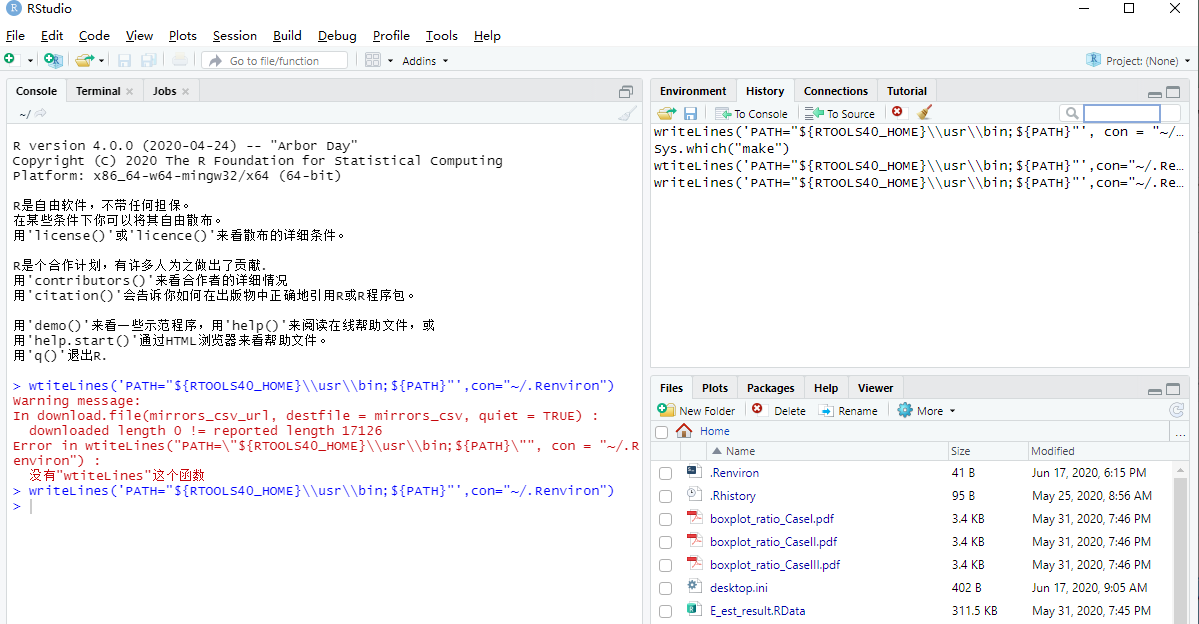
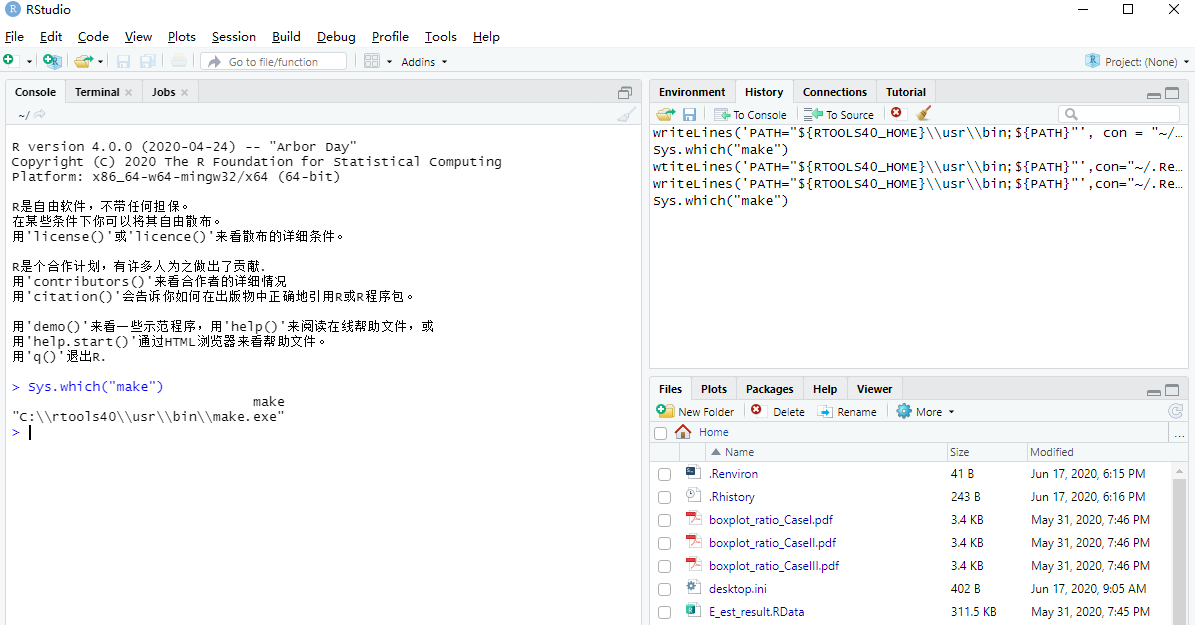
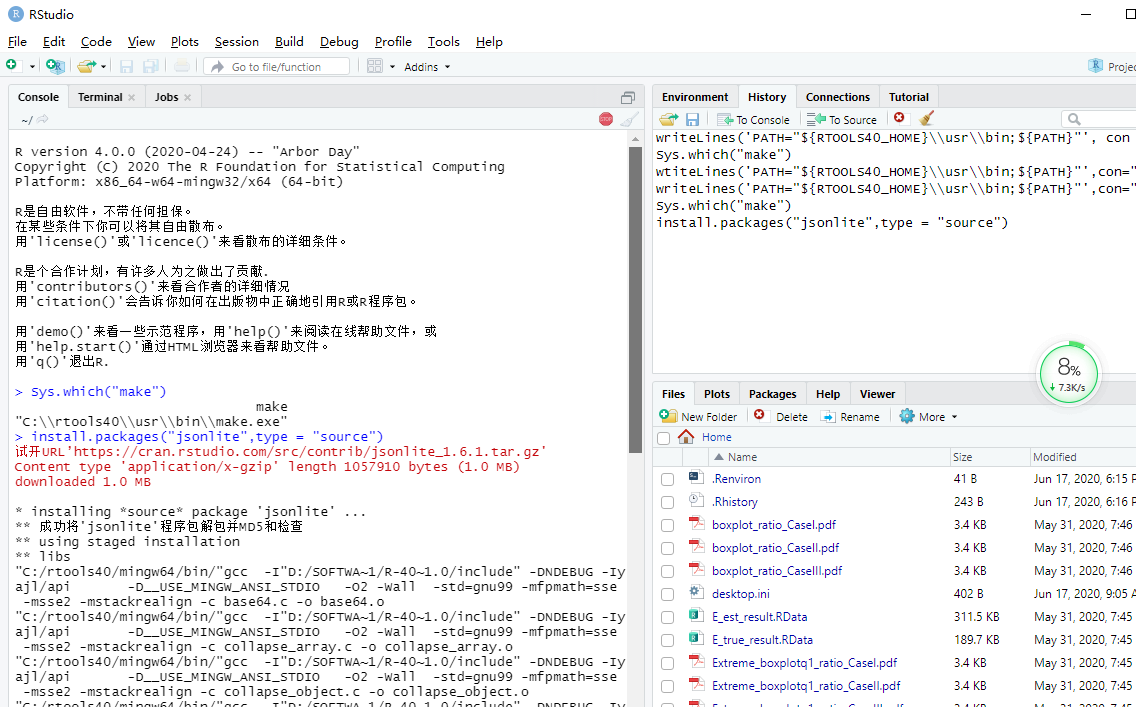
安装好 Rtools40后,打开Rstudio ,输入下面语句:
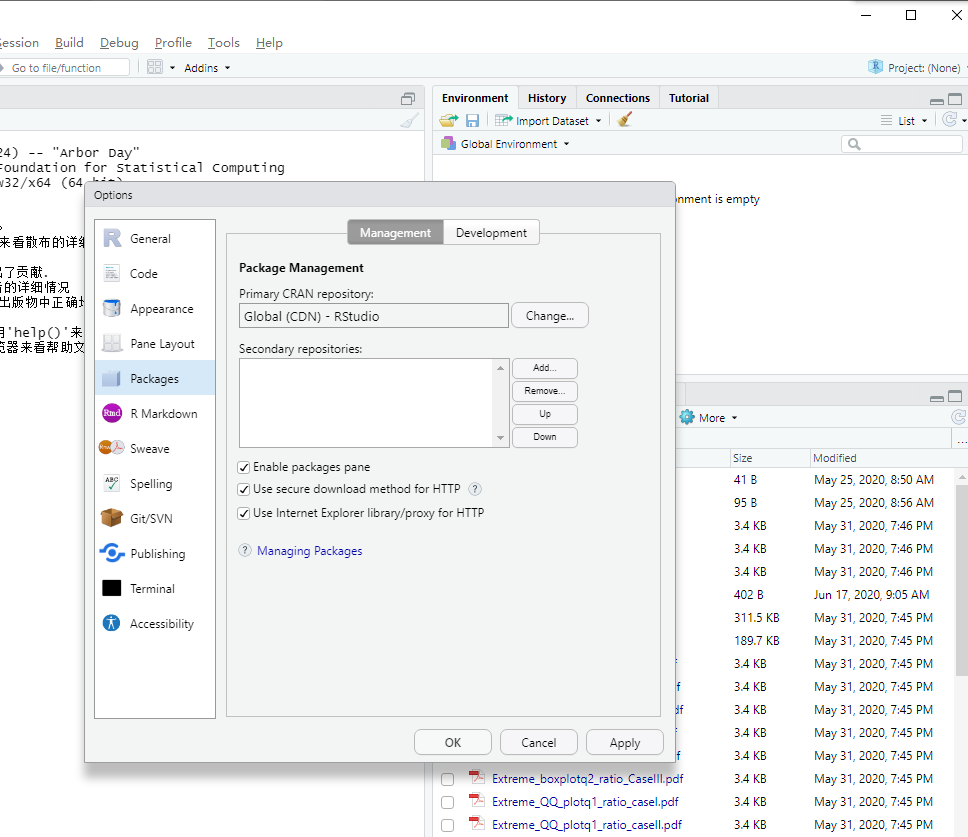
这里注意Rstudio 的默认路径。我的设定为 E:/BuildPackages/
如果想返回而且这个语句设定的R 环境文件 /.Renviron 文件在Rstudio 默认路径,检查是否可以使用编译器,上一个语句输入后退出Rstudio 再次打开。如果没设定其他路径是的默认路径,如果和我一样,可以这样先输入默认路径,可以右边File 哪里看到 .Renviron 文件的存在 ,输入检查命令;




 扫码加好友,拉您进群
 全部版块
全部版块 我的主页
我的主页

 收藏
收藏