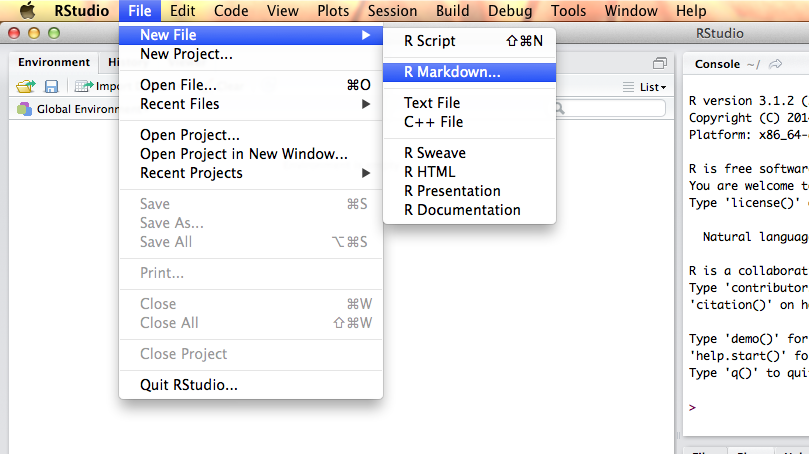
Method 2: If you really don’t want to use R Studio…This method requires that pandoc document converter software is installed (see instructions on the pandoc website).
After pandoc is installed, install the R package rmarkdown and it’s dependencies. Type the following command in the R console:
install.packages("rmarkdown", repos="http://cran.us.r-project.org")
Download here a template of a markdown file (from R Studio) and store it in your working directory: download template.
Open the file template.Rmd in a text editor, and add your R code in the code blocks, which start with ```{r}` and end with ```. Around the blocks you could type your report. Example code is provided in the file template.Rmd.
Run the following code in the R console to convert the .Rmd file to an HTML report (courtesy of Martijn Wieling):
# make sure to have the package rmarkdown updated and installed:library(rmarkdown)# generates html file with resultsrender('template.Rmd')
The render function will generate an HTML file in your working directory. You could view the HTML in your browser, or use the following code to view the result in R:
browseURL(sprintf('file://%s%s', 'template.html', file.path(getwd())))
More info on how to format the HTML report in the section Formatting the report.




 扫码加好友,拉您进群
 全部版块
全部版块 我的主页
我的主页

 收藏
收藏