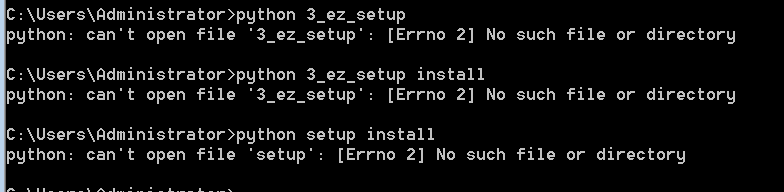
我按照https://pan.baidu.com/s/1sjGBgnj%3Cbr%3E#list/path=%2F里边讲的把Rython安装好后,再直接安装Numpy, Scipy (没有先后顺序),直接点击next。安装完成后。打开SPSS22.0,点击菜单栏上面的编辑>>选项>>文件位置,将位置修改成phthon2.7的安装目录,然后运行24.sav的部分最小二乘法,运行结果如下:不知问题出在哪儿,请高手给解决一下
GET
FILE='C:\Users\Administrator\Desktop\未标题24.sav'.
DATASET NAME 数据集1 WINDOW=FRONT.
PLS y MLEVEL=S WITH x1 x2 x3 x4 x5 x6 x7 x8 x9 x10
/CRITERIA LATENTFACTORS=5.
Extension command PLS could not be loaded. The module or a module that it requires may be missing, or there may be syntax errors in it.
本文来自: 人大经济论坛 SPSS专版 版,详细出处参考: https://bbs.pinggu.org/forum.php?mod=viewthread&tid=4963532&page=1&from^^uid=962447




 扫码加好友,拉您进群
 全部版块
全部版块 我的主页
我的主页

 收藏
收藏